Compare local profiles by price, transmission and availability✓Free to compare with no booking fee◆Clear ADI and PDI status with verification badges✓Direct enquiries with no learner account required
Compare profiles by price, transmission and availability✓ Free to compare with no booking fee◆ Clear ADI and PDI status with verification badges✓ Direct enquiries without a learner account
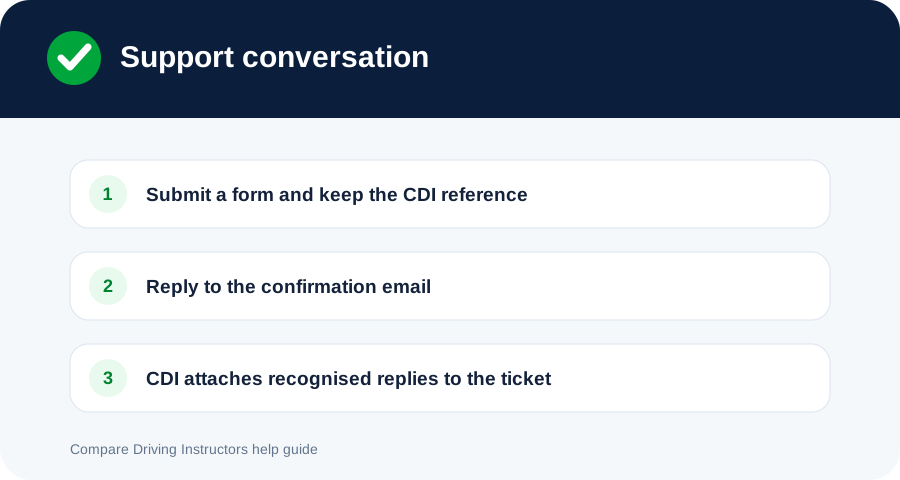
Keep one conversation together by using the CDI ticket reference and the same email address.
General helpUpdated 4 Aug 20261 min read
Keep the CDI reference in the subject so recognised Gmail replies can be matched safely.
Reply by email
Open the CDI acknowledgement or support email.
Select Reply rather than creating an unrelated new message.
Keep the reference beginning CDI- in the subject.
Reply from the email address used on the original form.
Include only the information needed to resolve the request.
What CDI synchronises
When Gmail reply synchronisation is connected, CDI checks recognised ticket conversations. A reply is imported only where the reference exists and the sender matches the ticket participant.
Troubleshooting
If the reference was removed, quote it in a new support form.
If your email address has changed, explain this in a new request rather than forwarding a secure thread.
Do not attach executable files or password-protected archives.